Which photos should you add to your restaurant’s Google Business Profile?
Before booking, diners want to recognise the entrance, picture the room and see what arrives at the table. Choose photos that answer those questions.
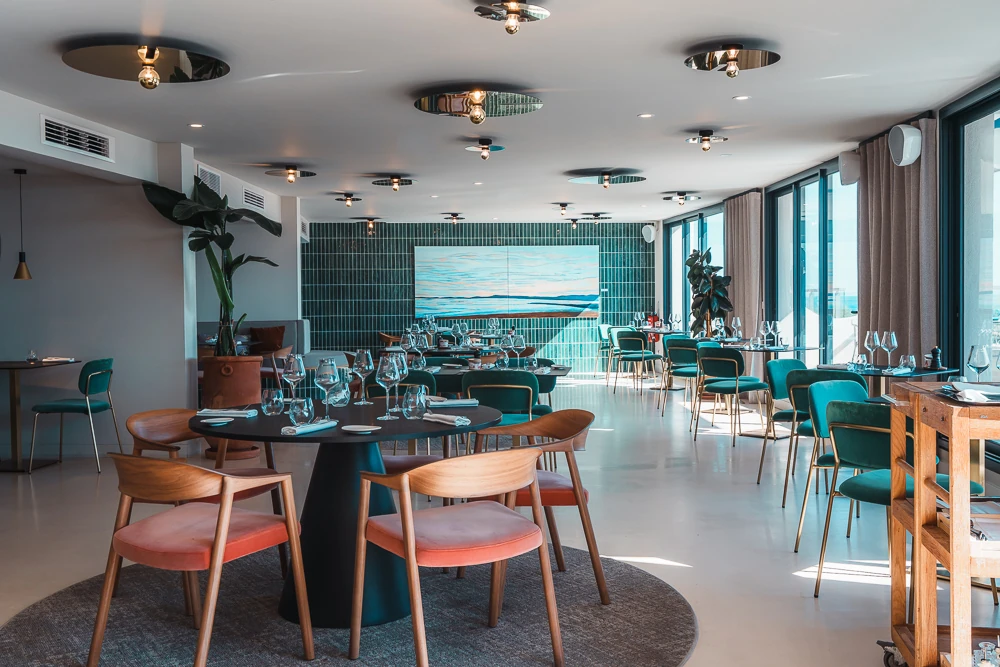
Five types of photo to publish
- Exterior and entrance. Show the sign from the street and the route guests will take, especially if the door is set back.
- Dining room and terrace. Show a wide view and a view from a table. Photograph the space in the light your diners will experience.
- Food and drink. Choose three popular dishes or drinks still on the menu and show them as served.
- Team and service. A portrait of the chef or a photo taken while a dish is being plated can introduce the people behind the restaurant. Agree on how the image will be used.
- Cover photo. Choose the image that best represents the visit. Google may show another image first.
Google recommends at least three good exterior photos, three interior photos and three photos of food or drinks. Google’s advice by photo type.
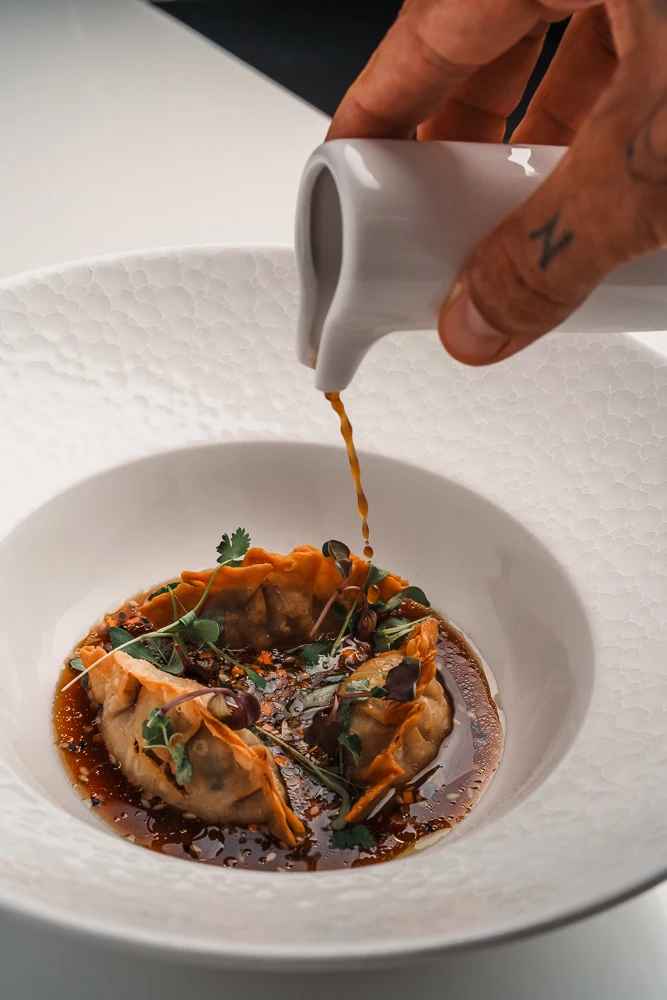

File formats and framing
Google recommends JPG or PNG files between 10 KB and 5 MB, with a recommended resolution of 720 × 720 pixels and a minimum of 250 × 250. Keep the subject away from the edges and use natural, accurate images. Google’s photo guidelines.
Uploading and updating photos
Sign in to the account that manages your verified profile, find the restaurant in Google Search or Maps and choose Photos, then Add photos. Check the result on a phone and refresh the selection when the menu, terrace or sign changes.
One shoot, several uses
I photograph dishes, venues and teams in Montpellier and Hérault. We can plan images for your Google Business Profile, website and social channels in the same brief.
Explore my restaurant photography ↗